delete-indentation is one of those functions that I often forget. It’s used to do the opposite of fill-paragraph, usually bound to M-q.
Let’s talk first about fill-paragraph
fill-paragraph is a function used to split a long line in successive shorter lines, or to justify-align some text. It’s useful to produce an aesthetic text and to improve its readability.
Let’s take as an example this fragment of the book A hundred years of solitude:
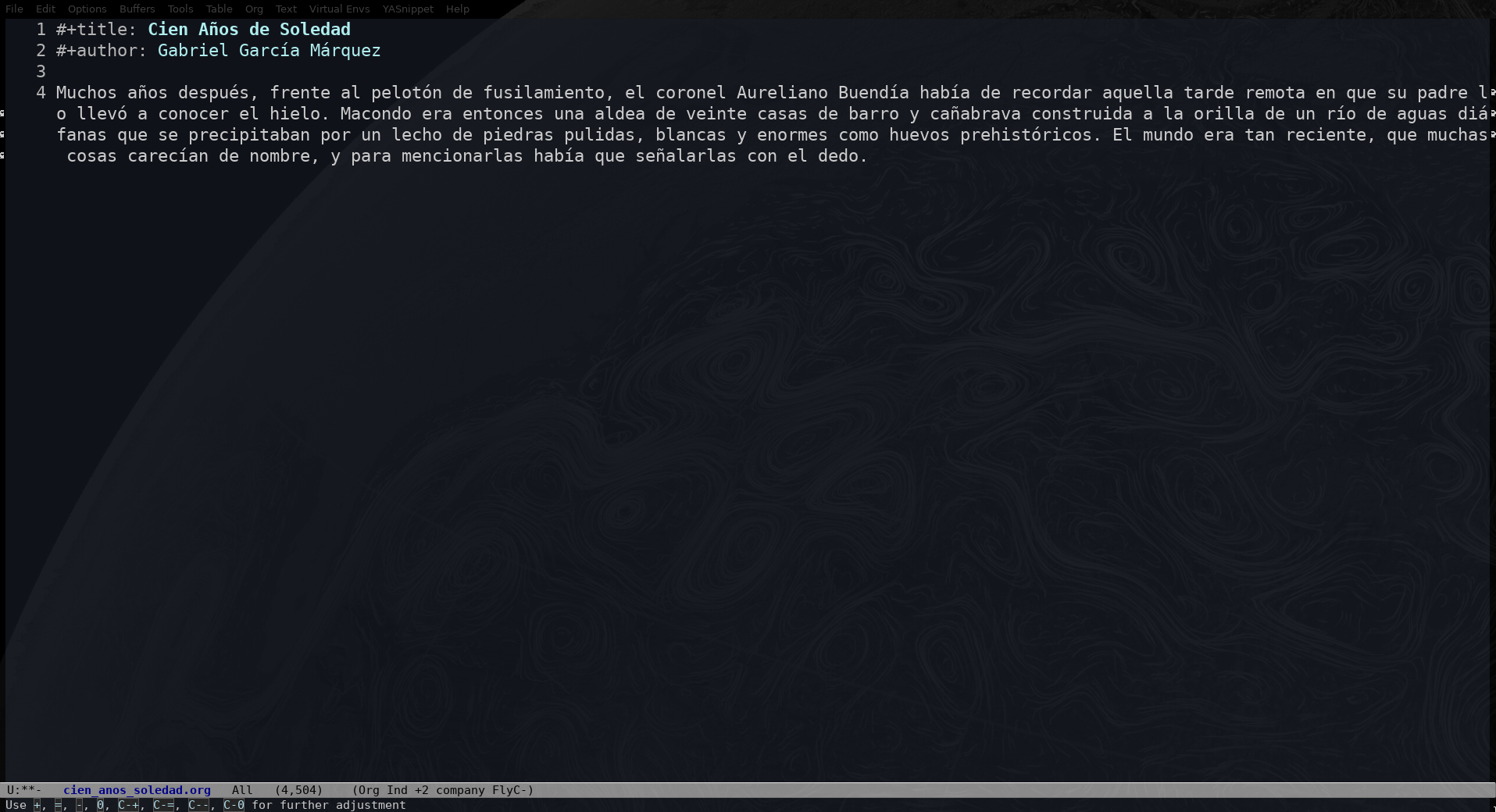
Screenshot of a long line of text
If I press M-q at that line, the result is this:
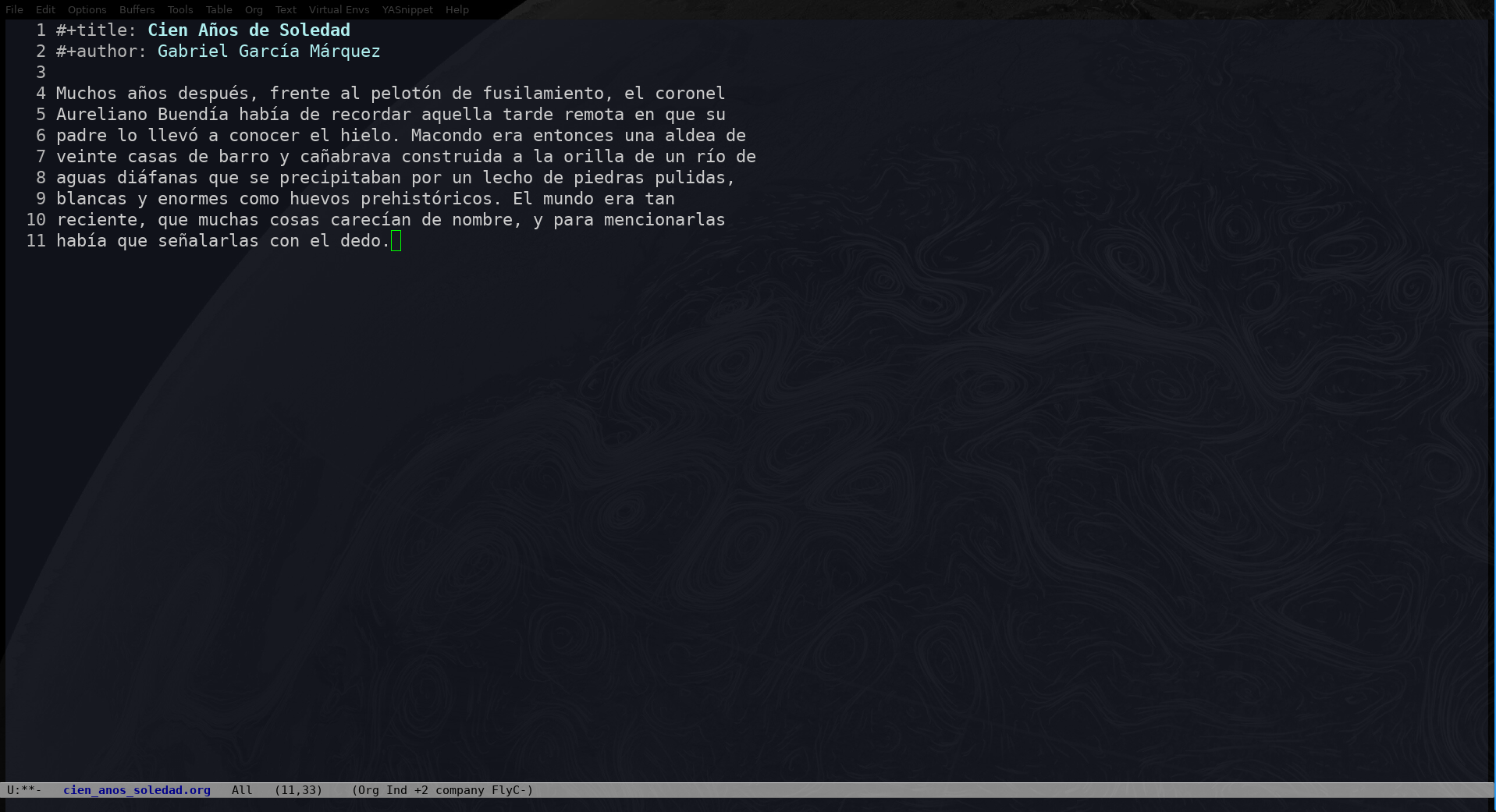
Screenshot of the same line of text, this time divided to fill the paragraph
If an argument is passed to fill-paragraph (C-u M-q) that means that we’re asking emacs to justify the text. This would be the result 🤩:

Screenshot of the same paragraph, but now divided in shorter lines and justified
Time for delete-indentation
I sometimes obtain some text that is divided in lines and that I need to convert into a long line. That is, I need the inverse of M-q. And I can’t seem to remember how to do it 🤦🏾♂️!
The answer is delete-indentation (I sometimes think that emacs’ help pages should have a “see also” section with the opposite functions </rant>).
To use this function we only need to have a region that we want to convert into a line, and invoke M-x delete-indentation RET. That’s it!
This function is usually bound to M-^, which doesn’t work in my Latin keyboard with dead-keys.
While reading the help of fill-paragraph and of delete-indentation for this post, I noticed something funny: fill-paragraph was introduced in emacs version 1.1, while delete-indentation only joined the party in version 27.1. Quite some time to have a direct way of reversing M-q.